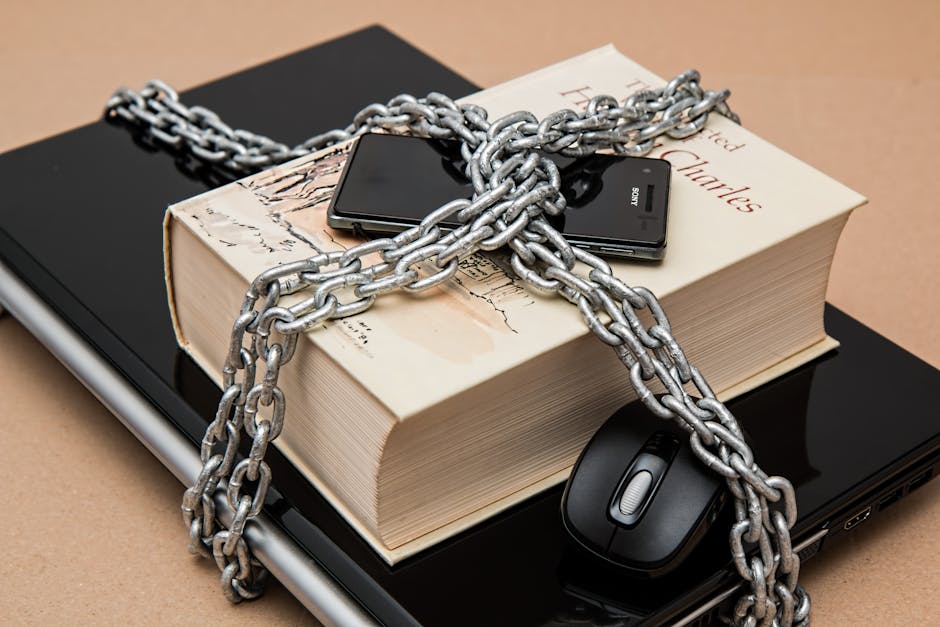
If you feel overwhelmed by the "digital footprint" chatter, take a breath. I’ve spent the last decade testing gadgets and privacy software, and I’m here to tell you a secret: you don't need to be a hacker to take control of your digital life. You don’t need to delete every account you’ve ever made, and you certainly don’t need to do it all in one exhausting weekend.
Think of your digital footprint like your home. You wouldn't try to renovate the entire house in a single afternoon. Instead, you focus on keeping the front door locked and tidying the entryway. That’s exactly how we’re going to approach your digital security today.
What Exactly is a "Digital Footprint"?
In plain English, your digital footprint is the trail of breadcrumbs you leave behind every time you use the internet. It includes the comments you left on a news site in 2012, the photos tagged of you on social media, the shopping accounts you haven't touched in years, and the professional profile you built on LinkedIn.
Why does this matter? Beyond the obvious security risks—like someone guessing your weak password to access your bank account—it’s about your future self. Employers, landlords, and even colleagues often look you up online before a meeting. A clean footprint isn’t about being "perfect" or hiding who you are; it’s about ensuring that when people find you, they find the version of you that you’ve chosen to present.
Start with One Tool: The Password Manager
If you take one piece of advice from this post, make it this: Get a password manager. If you are still using the same password for your email as you are for your favorite pizza delivery app, you are leaving your front door wide open.
I’ve personally tested these tools on fresh browser profiles to ensure they are user-friendly. My top recommendations are Bitwarden and LastPass.
- Bitwarden: It’s open-source and incredibly generous with its free tier. It’s my go-to recommendation for people who want a reliable, "set it and forget it" tool. LastPass: A long-time industry standard. It’s known for a very polished, easy-to-use interface that makes transitioning away from "remembering passwords in your head" seamless.
The golden rule: Pick one, install it, and start saving your passwords as you log into sites. Don't try to migrate 200 passwords at once. Just start today with the ones you use most frequently.
Your Essential Monthly "Privacy 15 Minutes"
I have a calendar alert set for the first Saturday of every month called "Privacy 15 Minutes." It is the most important appointment of my month. Here is what I do, and you can do it too:
Check your "Use 2FA Everywhere" status: Go through your most sensitive accounts (Email, Banking, Social Media) and ensure Two-Factor Authentication is on. If a site doesn't support it, consider if you really need an account there. Update your devices: Manufacturers push security patches because they’ve found holes in the "walls" of your phone or laptop. Keep devices updated the moment the prompt appears. It’s the easiest way to prevent automated attacks. Review one social media profile: Pick one platform (like Facebook or Instagram) and spend those 15 minutes clicking through the "Privacy and Settings" menu. Set your posts to "Friends Only" or archive old posts that you no longer want to be public.Privacy Quick Reference Table
Use this table to audit your thegadgetflow.com current digital state. Don't feel shamed by the "needs work" column—we all start somewhere.
Category The "Good" Standard The "Needs Work" Habit Passwords Unique, generated by a manager Repeating the same password everywhere Login Security 2FA (App or Key) enabled Just a password Social Media Audited visibility settings Everything set to "Public" Software Automatic updates turned on Ignoring "Update Available" promptsDon't Succumb to the "Do Everything Today" Trap
The tech industry loves to tell you that you are one step away from disaster. Ignore the jargon-heavy, fear-based articles. There is no such thing as being "perfectly private" on the internet, and that is okay. You are not a bad person because you have old posts on social media or because you’ve used a weak password in the past.
The goal isn't total anonymity; it's a manageable digital footprint that reflects who you are today. If you find yourself feeling frustrated, close the browser. Go for a walk. Come back when you feel like tackling one more setting or one more password.
The Bottom Line
Your digital life should serve you, not cause you anxiety. By incorporating these small habits—installing a password manager like Bitwarden or LastPass, setting up that monthly privacy review, and remembering to use 2FA everywhere—you are doing more than 90% of the population.
Take it slow. Start with your email password. Then, next month, look at your Facebook settings. You aren't "cleaning up" a mess; you’re just curating your presence. And that is a powerful, liberating feeling.
Have questions about how to set up 2FA or need help deciding between password managers? Leave a comment below—I read every single one, and I promise, no jargon allowed.